
Hi! I'm Marcos Rodriguez
When a project lands in my hands, I take it to its best version. Detail, energy and one goal: that when you see it you think “this is exactly what I wanted”.


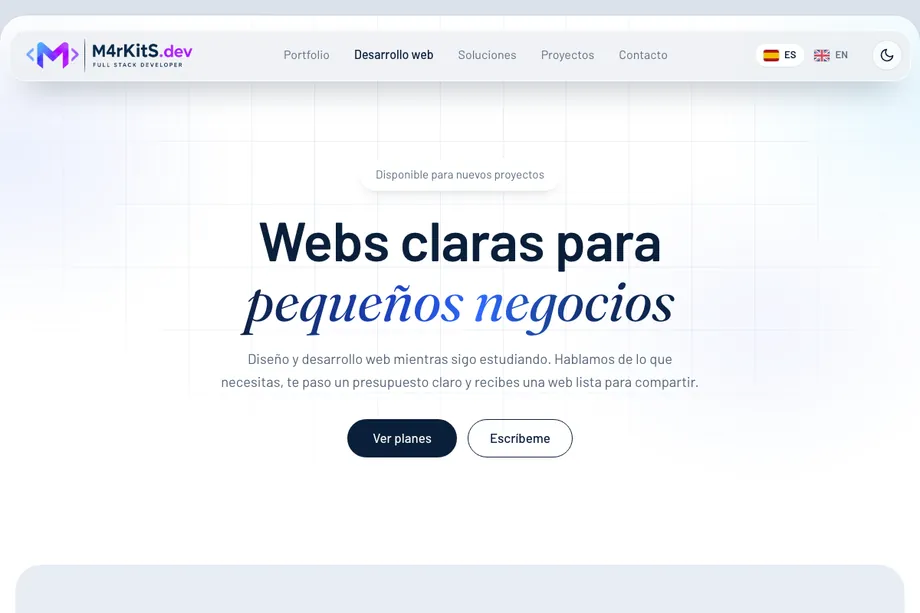
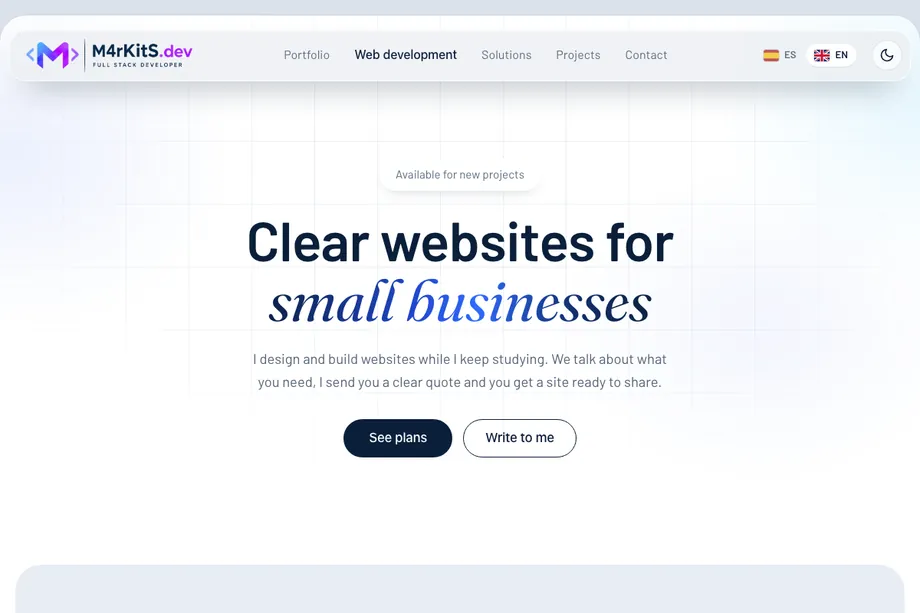
What I work with










What I have learned, by area
AI-agent-assisted development
AI agents to speed up development and reduce operational workload, backed by the fundamentals of the master.
My workflow is agent-assisted development: I set the goal, steer the agent with precise specifications, review the code it generates and validate every deliverable before accepting it. That oversight rests on the knowledge and programming languages I have acquired, which let me read and understand the result. I started with Google Antigravity and today I work with Claude Code.
Methodology
- Prompt-first workflow with a human in the loop: I define the goal, the agent implements and I decide when to move on to the next step.
- Prompt engineering: I write precise specifications with a conversational assistant (Claude) before launching the coding agent.
- Context management: I keep strategy and high-level decisions in separate chats from the generation of code prompts.
- Review and validation: I check every result with screenshots and tests, iterate over several rounds and verify whether the agent edited a file or regenerated it from scratch, so earlier fixes are not lost.
- Skills: I extend the agent with specialised instruction packs (design, GSAP animation, SEO, Remotion video) and maintain my own with my design process, which I include at the start of every design prompt.
- Real inputs instead of descriptions: I provide logos, moodboards and screenshots rather than describing colours in words.
- Security and agent control: API keys kept out of the code, confirmation before every terminal command and no access to real production data.
- Version control from day one: every project goes to GitHub.
AI stack
- Claude CodeCoding agent in my current workflow: it implements what I specify and I review every change.
- Google AntigravityThe first coding agent I used.
- Claude, conversational assistantI write and refine prompts with it before running them.
- Google StitchInterface prototyping, connected to the agent through MCP.
 Model Context ProtocolStandard that lets an agent use external tools.
- ChatGPTRedesign of logo, favicon and email signature with the site palette.
- n8nAutomation platform: it links apps and services into workflows that run by themselves.
 NotebookLMOrganising documentation and querying it with AI help.
- Open Agent ManagerTracking and coordinating several agents from one place.
- Apps and sites with built-in AIAI features in sites and apps.
Working environment
Where the work happens: the system, the terminal and the editor.
Every project starts in a well-built environment. This covers the Linux system, the terminal with its shell and the editor where code is written and reviewed: the base everything else rests on.
What I have been able to learn
- Moving around folders and files from the command line.
- Running and chaining commands without relying on the mouse.
- Setting up the editor to write and review code comfortably.
Tools
- Linux and terminalMoving around the system and running tasks from the command line.
 ZshCommand interpreter to work comfortably in the terminal.
- VS CodeEditor where code is written, tested and reviewed.
Version control
Keeping the history of the code and working without fear of losing anything.
Version control keeps every change with its history, lets you try ideas without risk and go back when something breaks. Git does that work locally and GitHub takes it to the cloud to share it.
What I have been able to learn
- Recording changes in a repository in an orderly way.
- Working with branches and recovering an earlier version.
- Pushing and syncing a project with GitHub.
Tools
- GitRecording changes and going back when needed.
- GitHubHosting repositories and keeping the code available in the cloud.
- GitHub from AntigravityHandling the repository without leaving the AI editor.
Code and logic
Thinking up the solution and writing it as code.
Before writing a line you need to know which steps solve the problem. From there you move to a language, Python, to organising code with objects and to shaping a page with HTML and CSS.
What I have been able to learn
- Breaking a problem into steps with pseudocode.
- Writing Python programs with conditions, loops and functions.
- Organising code into classes and objects.
- Laying out a page with HTML and styling it with CSS.
Tools
- Logic and pseudocodeLaying out the steps of a problem before coding them.
- PythonLanguage to write programs and automate tasks.
- Object-oriented programmingOrganising code into reusable classes and objects.
- HTMLThe structure and content of a web page.
- CSSThe look of the web: colour, type and layout.
Data
Storing information, querying it and relating it.
Almost every application needs to store information and get it back. This area covers how tables and their relationships are designed, how data is requested with SQL and how it is handled from Python with an ORM.
What I have been able to learn
- Creating tables and relating them to each other.
- Querying data with SELECT, JOINs and subqueries.
- Connecting the database to Python through SQLAlchemy.
Tools
- SQLLanguage to request and change data.
 MySQLDatabase system that stores information in tables.
- Queries with JOINs and subqueriesCombining tables and filtering with nested queries.
- Table relationshipsDesigning how data connects together.
 SQLAlchemy and ORMWorking with the database from Python through objects.
Publish online
Getting a website online and keeping it running.
A site does not exist until it is online. Cloudflare Pages publishes a static website from its GitHub repository, Wrangler lets you do it from the terminal and hosting keeps your own site online.
What I have been able to learn
- Connecting a repository to Cloudflare Pages and publishing a static site.
- Using Wrangler to deploy and manage projects from the terminal.
- Hosting your own site and keeping it online and up to date.
- Handling the basics of the Cloudflare dashboard.
Tools
 CloudflareHandling the basics of a project and its services from the dashboard.
 Cloudflare PagesPublishing static sites linked to a GitHub repository.
 WranglerManaging and publishing Cloudflare projects from the command line.
- Web hostingHaving your own site hosted, online and up to date.
Where I am heading

Building as I go
I am a Full Stack Developer and I created my own brand, M4rKitS.dev, to put what I learn to work for companies that need digital solutions.
Computing has drawn me in since I was a boy, and the master is giving me the method to take that passion into the professional field. I aim to make a living from technology without giving up what matters most to me: enjoying my time with my family. That is why I look for remote work, with the freedom to give my best: work done with passion and attention to every detail, and useful digital solutions for whoever needs them, wherever they are.